How to Automate Invoice and Quote Management with AI?
A step-by-step practical guide to digitalizing your quote and invoice processing cycle while reducing payment delays.
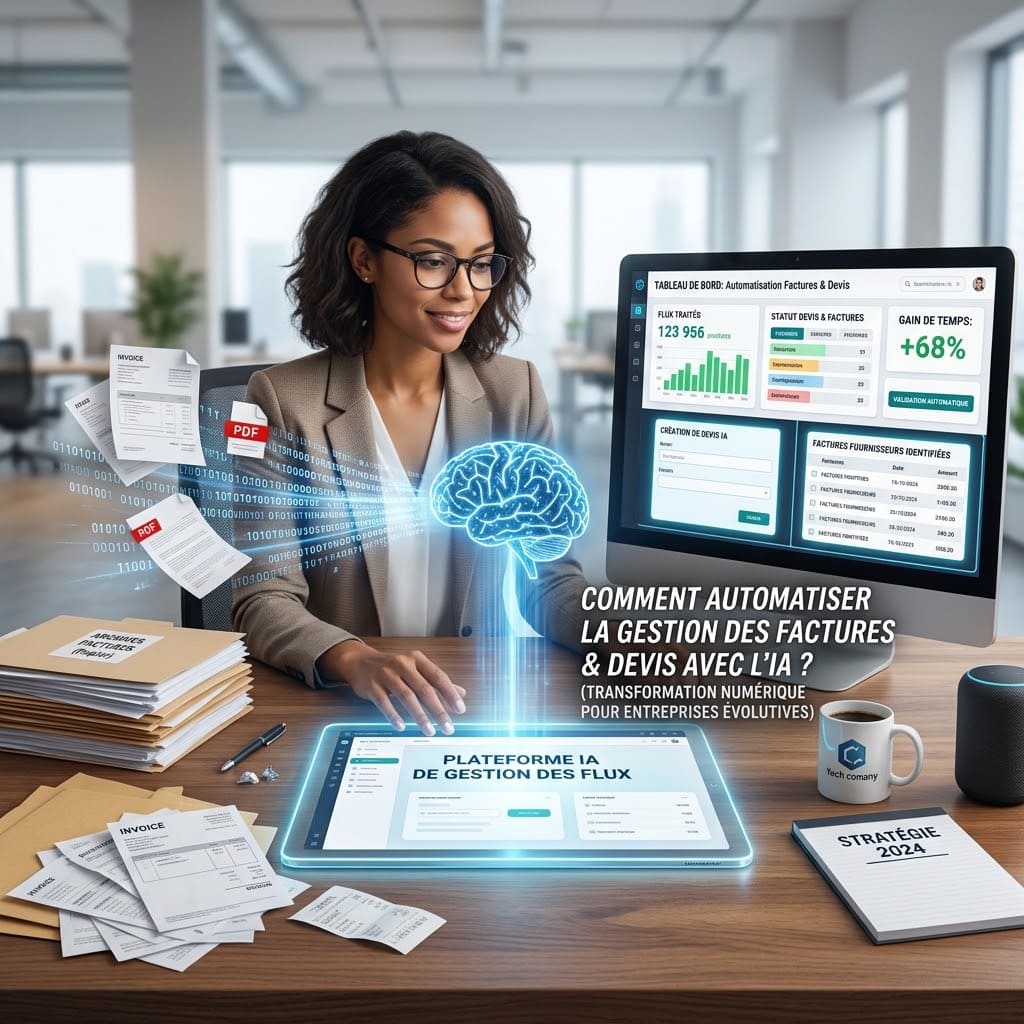
Manual invoice entry, following up on pending quotes, and bank reconciliation account for an average of 20% to 30% of the working time for administrative and accounting teams. Between typos, late payments, and lost supporting documents, traditional document management places a heavy burden on business productivity and cash flow.
Combining Artificial Intelligence (AI) with No-Code / Low-Code automation platforms now makes it possible to digitize the entire processing cycle for quotes and invoices.
How do you set up such an automation workflow? Which tools should you use, and what results can you expect? This practical guide explains step by step how to succeed in your accounting automationand sustainably transform your financial management.
1. Why Automate Invoice and Quote Processing?
Integrating AI into your accounting and sales process goes beyond simple time savings. It transforms the accuracy and speed of your organization.
Zero-Error Data Entry: OCR (Optical Character Recognition) combined with Large Language Models (LLMs) extracts key data (amounts before/after tax, VAT, company registration numbers, due dates) with over 98% accuracy.
Drastic Reduction in Payment Delays: Instant quote generation and automated follow-ups for unpaid invoices directly improve your working capital requirements.
Operational Time Savings: Your teams focus on financial analysis and customer relations rather than tedious data entry tasks.
Centralized Archiving and Compliance: Every document is automatically classified, named according to a strict nomenclature, and stored in your Document Management System (DMS) or ERP.
2. How an Intelligent Automation Workflow Works
An automated document extraction and validation pipeline revolves around 4 key stages:
Step 1: Document Capture
As soon as an invoice arrives via email (PDF/Image attachment) or a quote request is submitted through a web form, the automation scenario triggers instantly.
Step 2: AI Data Extraction (Vision + OCR)
Rather than relying on rigid OCR rules that break whenever a vendor changes their layout, modern AI tools (GPT-4o, Claude 3.5, Google Gemini) read documents contextually.
The AI automatically identifies and structures:
Vendor / Customer name
Amount before tax, VAT rate/amount, and total amount
Line items of the quote or invoice
Invoice number and due date
IBAN / BIC for payment
Step 3: Validation and CRM / ERP Synchronization
The structured data is pushed to your accounting software (QuickBooks, Pennylane, Sage, Xero) or CRM (HubSpot, Salesforce, Notion). If an anomaly is detected (unusual amount, duplicate), an alert notification is sent to a manager for one-click approval.
Unsigned quotes trigger a sequence of personalized email follow-ups (e.g., after 3 and 7 days). Once the invoice is settled, the status updates in real-time.
3. Essential Tools to Build Your AI Stack
To build a tailored, robust, and secure system, connecting the right tools is essential:
Workflow Component
Recommended Tools
Role in the Architecture
Orchestrator / Workflow
n8n,
Connects applications and manages data routing logic.
AI & OCR Engine
OpenAI API, Claude API, Mindee
Analyzes document visuals and extracts JSON variables.
Management / ERP
Pennylane, QuickBooks, Stripe
Records accounting entries and generates payment links.
Storage & DMS
Google Drive, Dropbox, Airtable
Automatically files signed or paid PDF documents.
4. Practical Example: Automating an Incoming Quote from A to Z
Here is the step-by-step flow of a typical scenario set up for a service provider or agency:
Quote Request: A prospect fills out a form on your website.
Smart Generation: The AI analyzes the prospect's needs, selects the appropriate services from your pricing sheet, and drafts a customized commercial proposal.
Document Creation: The scenario automatically generates the quote in PDF format formatted with your company’s brand identity.
Sending & Signature: The quote is emailed with an electronic signature link (YouSign, DocuSign).
Automated Tracking: If the client signs, the deposit invoice is generated immediately. If they don't respond within 4 days, a polite reminder is sent automatically.
5. Best Practices for a Successful Accounting Automation Project
Keep a Human in the Loop: For invoices exceeding a specific threshold (e.g., $1,000 / €1,000), require a simplified manual approval via Slack or Teams before processing payment.
Standardize File Naming: Program your automation to name all files using a uniform pattern: YYYY-MM-DD_VENDOR_DOCUMENT-NAME.pdf.
Secure Financial Data: Ensure that the AI APIs you use are GDPR-compliant and do not use your financial data to train public models.
Take Action with Automate AI Digital
Invoice and quote management automation is no longer reserved for large corporations. Thanks to No-Code architectures and AI, SMBs can now eliminate repetitive tasks and save valuable hours every week.
Looking to implement an automated document management workflow tailored to your existing software stack? Request a free demo or contact our experts at Automate AI Digital to review your current processes and build your first automation scenario.